
01 / LOCAL
Your gym. In the game.
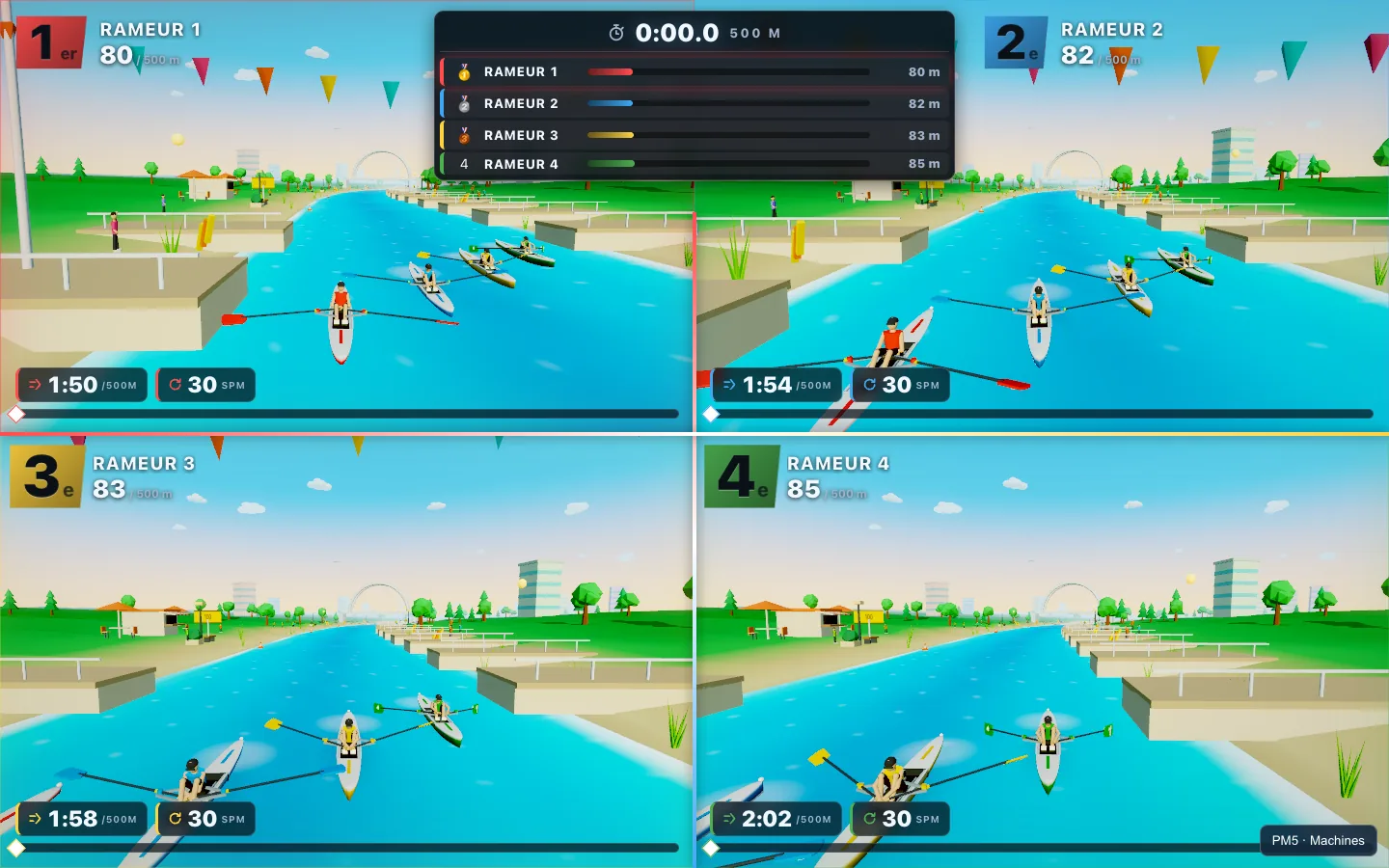
2–4 players in the same venue, racing in split-screen.
Public beta ROW · SKI · BIKE
An arcade racing game for PM5-equipped RowErg, SkiErg and BikeErg machines. Up to 4 players in your gym, or one race across 2–4 venues.
Desktop Chrome / Edge · PM5 required
01 / How it works
Pair your PM5s with your computer’s browser.
Your sport. Your course. Party or Competitive.
Up to 4 players compete live on the big screen.
02 / Game modes
01 / LOCAL
2–4 players in the same venue, racing in split-screen.
02 / MULTI-VENUE
Invite up to 3 other venues. One racer or team per venue.
03 / MULTI-ERG
Build a race with 2–5 RowErg, SkiErg or BikeErg segments in your chosen order.
03 / WORLDS
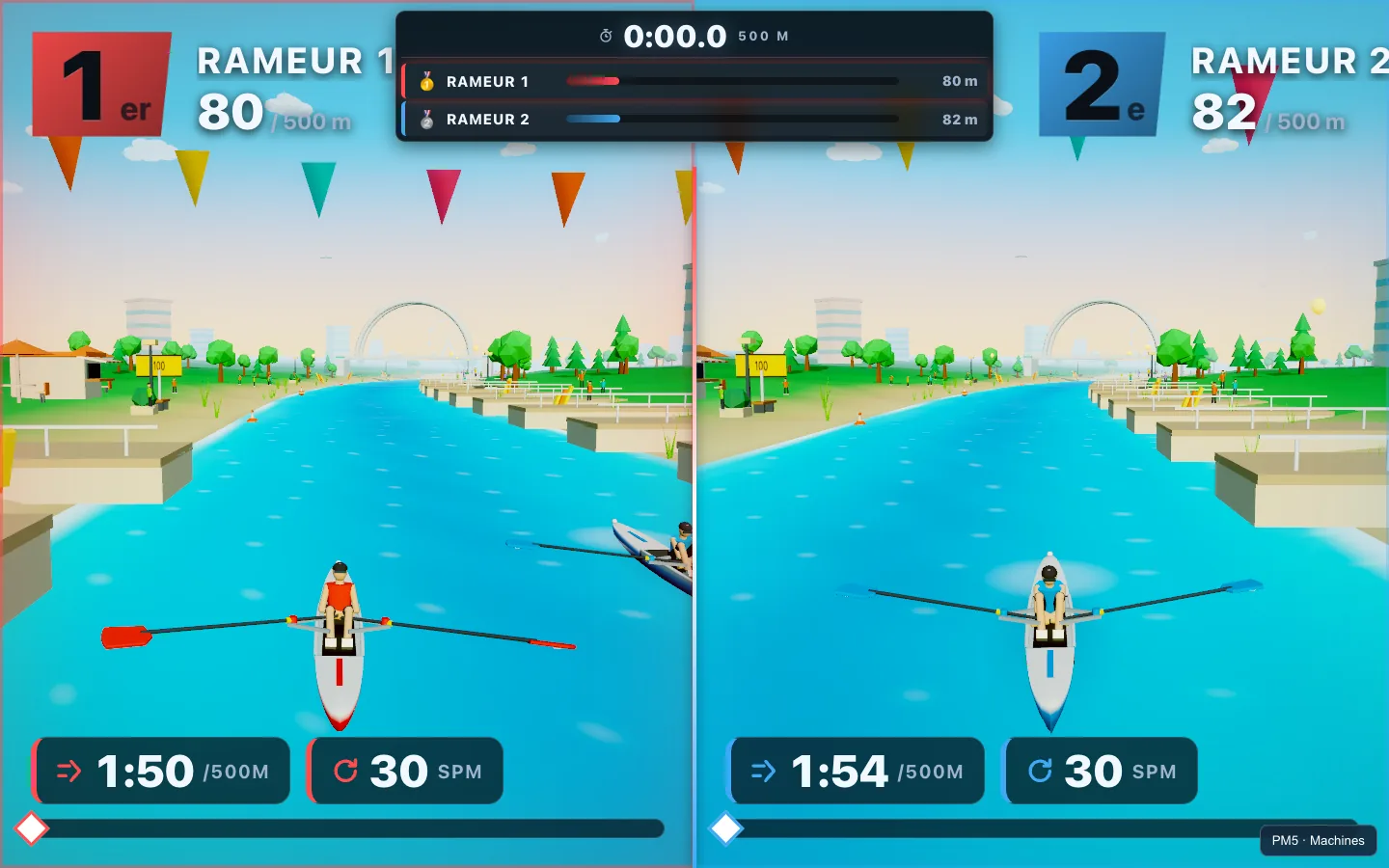
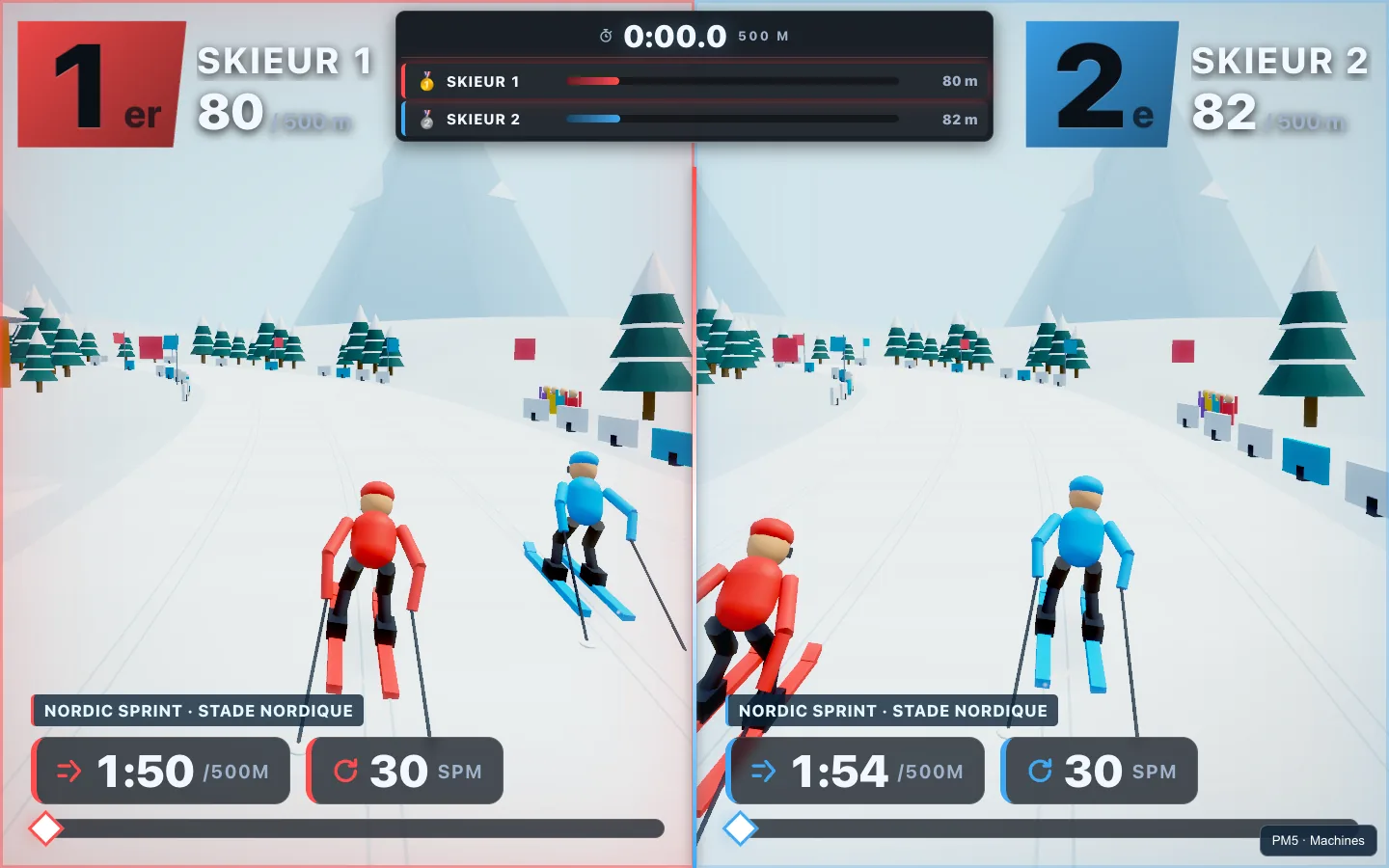
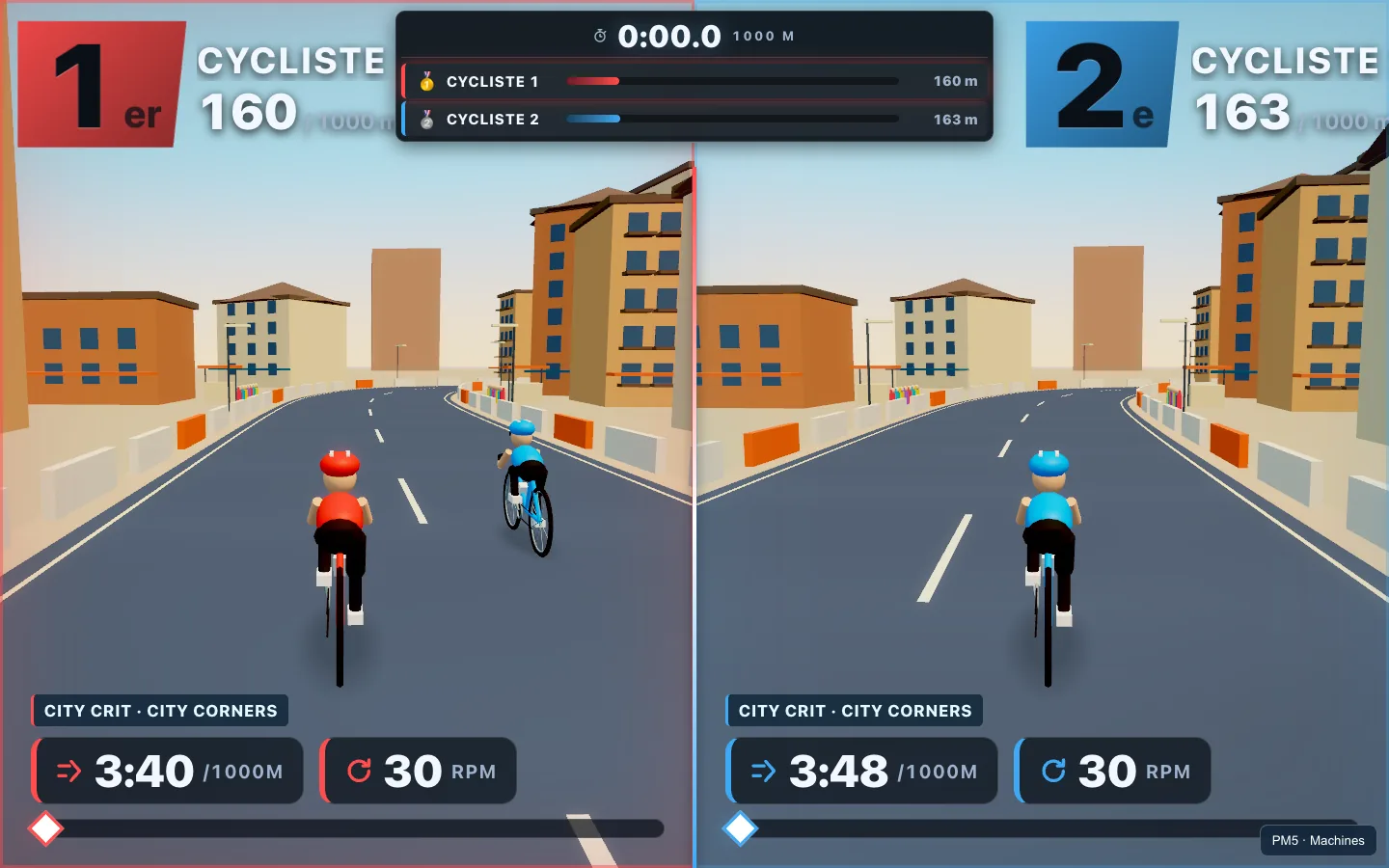
River, snow or asphalt: each sport has its own 3D courses.
04 / LOCAL + MULTI-VENUE
Locally, share the big screen. Remotely, each venue keeps its machines and joins the same race.
05 / MULTI-ERG
An athlete or team moves from one machine to the next while the race keeps running. Preconnect one PM5 per distinct sport and team.
Example configurable course
PARTY MODE / + + +
An event host triggers boosts and attacks. Built for gym nights and fun events. Party results don’t count toward the leaderboard.
COMPETITIVE / 00:00.0
No boosts. No penalties. Completed, eligible Competitive races count toward the global leaderboard.
06 / Leaderboard
Each configuration gets its own leaderboard: sport, distance, course and segment order. Compare best times across venues.
07 / PM5 SETUP
Open its connection screen (Connect on recent versions). Menu labels vary by firmware.
Open Machines and select “+ Ajouter un erg” (Add Erg).
Your browser opens the Bluetooth picker. Choose the matching PM5.
Check the sport and station, then name it: ROW 1, SKI 2, BIKE 1.
Initial pairing normally only needs to be done once per computer, browser profile and site address. For future sessions, wake up your PM5s and enable their connection. A new computer, browser, profile or site address requires permission again. If your browser cannot restore permitted devices, use “Réautoriser” (Reauthorize).
See the setup guideBUILT AT CROSSFIT AVIGNON
Created at CrossFit Avignon, France, to make Concept2 racing more fun, social and engaging. The beta is actively developed. Your feedback, feature ideas and bug reports help shape it.
08 / FAQ
PM5-equipped RowErg, SkiErg and BikeErg machines. Test your physical machines before an event: automated tests also use simulated telemetry.
Chrome or Microsoft Edge on a Windows PC or Mac with Bluetooth. Safari and Firefox cannot connect PM5s in this app. Allow Bluetooth access when your browser asks for permission.
Wake up the PM5 and open its connection screen. In Machines, choose Ajouter un erg (Add Erg), select the PM5 in the Bluetooth picker, check its sport and station, and name it. Wait for READY.
Pairing is normally remembered for the same computer, browser profile and site. Wake up the PM5s and enable their connection. If permissions are missing or your browser cannot restore them, use Réautoriser (Reauthorize).
Locally: 2–4 players or teams in split-screen. Multi-Venue: 2–4 venues with one racer or team per venue, up to four race participants in total.
Party enables host-triggered boosts and attacks. Competitive disables them and lets completed, eligible results enter the leaderboard. The mode is locked once the countdown starts.
Bring your athletes. Wake up your PM5s. Jump into the beta.
Try the beta